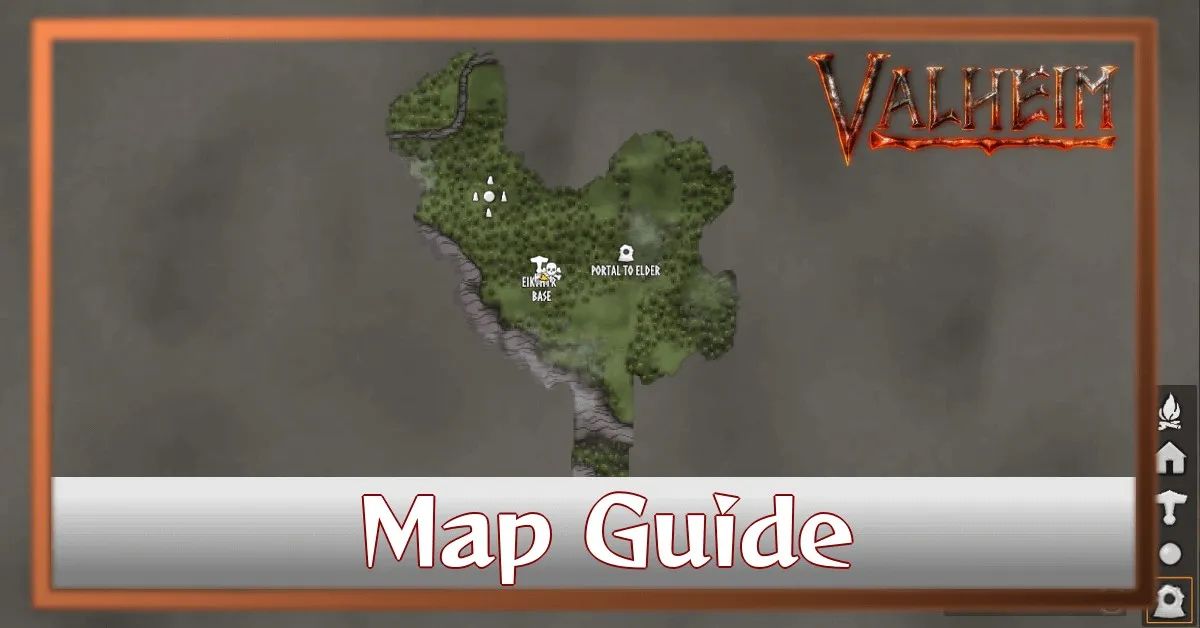
Map Guide | How to Mark and Ping Locations
Valheim’s world is vast and often feels overwhelming, especially when you’re trying to track down rare resources, boss locations, or just remember where you placed that important portal. Thankfully, the map system offers a surprisingly robust set of tools to keep you organized. This guide will break down everything you need to know about using markers, crossing them off, and pinging locations to streamline your exploration and coordinate with your friends. Let’s get started!
Marking Your Territory: Using Map Markers Effectively
The core of Valheim’s map system revolves around markers. These are your visual breadcrumbs, allowing you to quickly identify points of interest. Initially, you’ll have a limited number of markers, but you can unlock more through progression. The key to effective use is choosing the right marker for the job. While all markers appear identical, naming them is important for clarity. Located in the lower-middle part of your screen, the text box lets you give each marker a descriptive name – “Rune Stone,” “Black Metal Vein,” or “Boss Arena” are all excellent choices. Don’t just slap “Cave” on everything; be specific! Consider using different colored markers for different categories (e.g., blue for portals, red for bosses, green for resources). This visual distinction dramatically reduces confusion, especially in larger groups. Remember, the more organized you are, the faster you’ll find what you’re looking for.
Marking and Removing Markers
Adding a marker is simple: hover over the location you want to mark and click. A small marker icon will appear on the map. To remove a marker, simply hover your cursor over it. A small ‘x’ will appear, and clicking it will instantly delete the marker. This is incredibly useful for cleaning up your map as you explore – removing markers from areas you’ve already thoroughly investigated prevents clutter. It’s a great habit to develop, especially when playing with others, to keep the map clear and focused on active points of interest. Don’t be afraid to experiment with different marker names to find a system that works best for you.
Crossing Off Locations: Tracking Your Progress
Once you’ve explored a location – whether it’s a cave filled with enemies, a resource-rich area, or a boss arena – you’ll want to mark it as “visited.” This is done by hovering over the marker and clicking the ‘cross’ icon that appears. Crossed-off markers are a fantastic visual cue, letting you (and anyone else on your server) know that you’ve already been there and don’t need to waste time re-exploring. Crossing off locations is particularly helpful for large caves or complex structures, where you might have multiple markers scattered throughout. It’s a satisfying way to track your progress and feel a sense of accomplishment as you conquer the world of Valheim.
Pinging Locations: Real-Time Communication
Perhaps the most powerful feature of Valheim’s map is the pinging system. Hovering your cursor over a location on the map will cause three blue rings to appear around that point. These rings are visible to all players on the same server, providing a clear indication of where you’re thinking of going. Beneath the rings, you’ll see the name of the player who initiated the ping. This is invaluable for coordinating with your friends, especially when planning expeditions or trying to locate a specific resource. The direction indicator that pops up when you’re outside the map is a bonus – it visually shows you which way to head to reach the pinged location, making navigation much easier. You can ping anything, from a rumored boss location to a newly discovered fishing spot.
Map Marker Variety and Customization
Interestingly, all map markers are functionally identical. They don’t offer any different functionality or visual distinctions beyond the name you assign to them. This might seem limiting, but it actually simplifies the system. The variety is purely aesthetic – you can use different colors or patterns to visually categorize your markers, making them easier to scan at a glance. Experiment with different naming conventions and color schemes to find a system that best suits your playstyle and group dynamics. A well-organized map is a powerful tool, and a little bit of customization can go a long way.
So, are you ready to conquer Valheim’s map and become a true explorer? Let us know in the comments which marker system you find most effective!